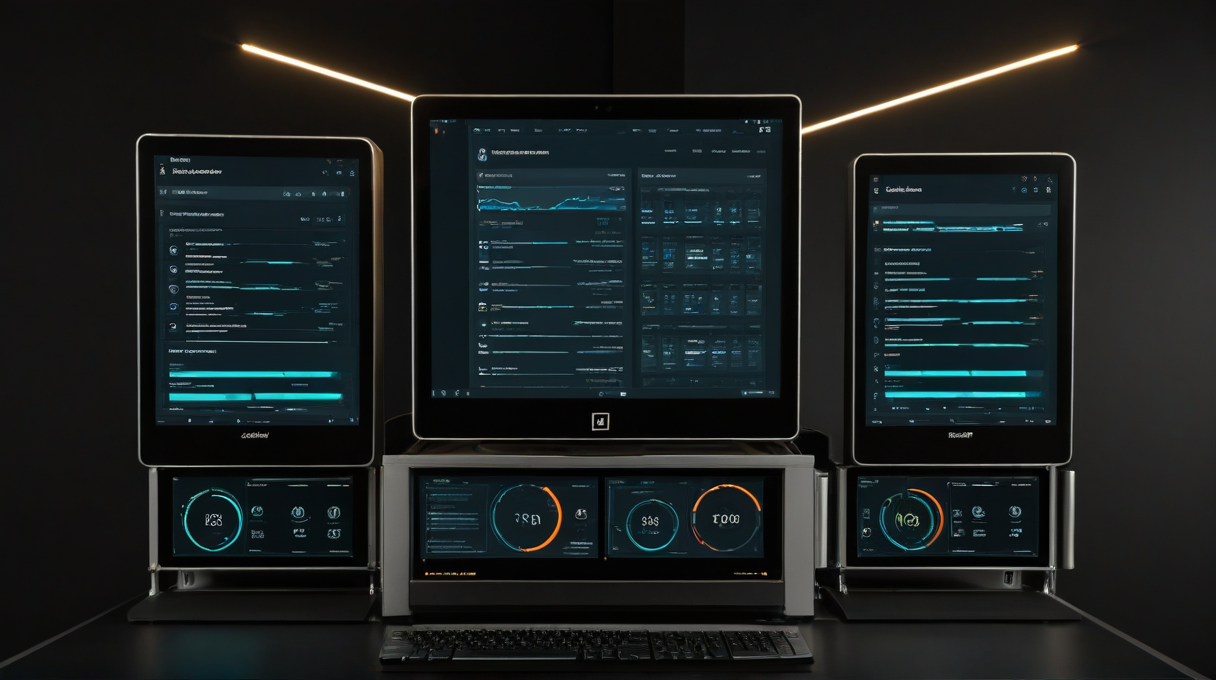
The Case for Self-Hosted AI: Privacy, Cost, and Control
I’ve been making this case to myself and to friends for about a year now, and I want to try to make it clearly in one place, without overstating it.
The privacy argument is the most intuitive but probably the least practically decisive for most people. When you use cloud AI tools in a browser, your queries and context go to a third party’s servers. Depending on the provider and the account tier, that data may be used for training, may be reviewed by humans, may be retained indefinitely. For people who use AI to think through personal decisions, family situations, financial choices, or anything else they’d keep off a shared Google Doc, that’s a real consideration. Self-hosted AI keeps that data on your hardware. You’re trusting yourself, your network security, and your backup practices instead of a company’s data policy. The risk is different, not gone. Whether the difference matters depends on what you’re doing with AI. Part of taking that responsibility seriously is actually securing your own perimeter; I use a YubiKey 5 NFC on every account that touches the server and the WordPress admin logins.
The cost argument is more concrete and more case-specific. Cloud AI subscriptions tend to be flat monthly rates. If you use AI heavily, they’re often a good deal. If you use it inconsistently, you pay for headroom you don’t use. A self-hosted setup has high upfront cost, the hardware, and low ongoing cost. Once the infrastructure is in place, running local models is essentially free. For tasks that genuinely need a frontier model, pay-per-token API calls are often cheaper than flat subscriptions for variable usage. My personal cost dropped significantly when I moved to self-hosted plus targeted API calls, but that’s specific to my usage pattern. It’s worth calculating for yours before assuming it’ll work out the same way.
The control argument is the one I find most compelling and the hardest to communicate quickly. Control means the AI knows your environment because you gave it that knowledge deliberately. It means the AI can act on your systems because you provisioned those tools. It means the memory of your infrastructure, your preferences, your past decisions, lives in files on your hardware that you can read, edit, and correct. You’re not dependent on a provider’s memory feature, a company’s API stability, or a subscription tier that includes the capabilities you need. That independence has a real cost in setup time and maintenance, but what you get for it is an AI that’s actually integrated into your life instead of one that starts fresh every session.
None of these arguments are absolute. Cloud AI tools are good. They have world-class models, simple interfaces, massive investment in reliability and safety. For someone who wants good AI with no operational overhead, a Claude or ChatGPT subscription is a completely reasonable choice. The self-hosted path is worth it for people who want deeper integration, care about data residency, or are already running home infrastructure and find the incremental overhead acceptable.
Where I’ve landed is that the real question is what degree of integration with your own environment is worth what degree of operational overhead. For me, the integration is worth it. An AI that knows my sites, my agents, my server topology, and my recurring tasks is more useful to me than a smarter AI that knows nothing about any of it.
That’s been the through-line of this whole series. Not that self-hosted AI is better, but that the integration is what makes AI actually useful at home. If any of this series has been useful, or if you’ve built something similar and made different choices, I’d like to hear about it in the comments.
Hardware linked in this post:
Affiliate disclosure: Some links in this post are Amazon affiliate links. If you buy through them, I get a small commission at no cost to you. It helps keep the lights on here.