
My Smart Home in 2026: Everything That Changed Since I Had a Wink Relay on the Wall
Back in 2016 I wrote about the Wink Relay, a wall-mounted touchscreen that ran a closed cloud platform and made me feel like I was living in the future. I had Z-Wave switches, a Schlage deadbolt, a Rachio sprinkler controller, and a Nest thermostat all talking to this little white rectangle on my kitchen wall.
It was cool. It was also completely dependent on Wink’s servers staying up, Wink’s business staying solvent, and Wink not deciding to start charging a subscription fee.
Two of those three things eventually went sideways. You can probably guess which two.
A lot has changed since then. Here’s the full picture: what I’m running now, what replaced what, and why. I’ll dig into each piece in separate posts, but this is the overview.
Everything runs on Home Assistant OS, hosted as a VM on my Unraid server. No cloud dependency for the core platform. Automations run if my internet goes down. The system doesn’t phone home to check if I’ve paid my subscription this month. That shift, from cloud-dependent hub to local-first, is the biggest change I’ve made in ten years of home automation. Everything else built on top of it.
Z-Wave is still the backbone for anything mains-powered and infrastructure-level: wall switches, fan controllers, dimmers, door locks, smoke detectors. Reliable, mesh-based, doesn’t touch Wi-Fi. Zigbee joined the stack for LED strips and sensors. Wi-Fi handles the rest: thermostat, robot vacuum, lighting strips, grill, sound machines, appliances. Everything IoT lives on its own VLAN, isolated from the rest of the network.
The Schlage Z-Wave locks from 2016 are still in the doors. What changed is how I manage them. Lock Code Manager handles code creation, rotation, and revocation from HA without touching the keypad. I added Alarmo to turn the existing door and motion sensors into a proper security panel. No separate alarm subscription.
Nest is gone, replaced by an Ecobee. The GE appliances (washer, dryer, office AC) feed into HA via SmartHQ. Rachio is still running the sprinklers, now integrated into HA automations. The Harmony hubs are gone. Logitech killed that line. They got replaced by Sofabaton X1S units in the living room and office.
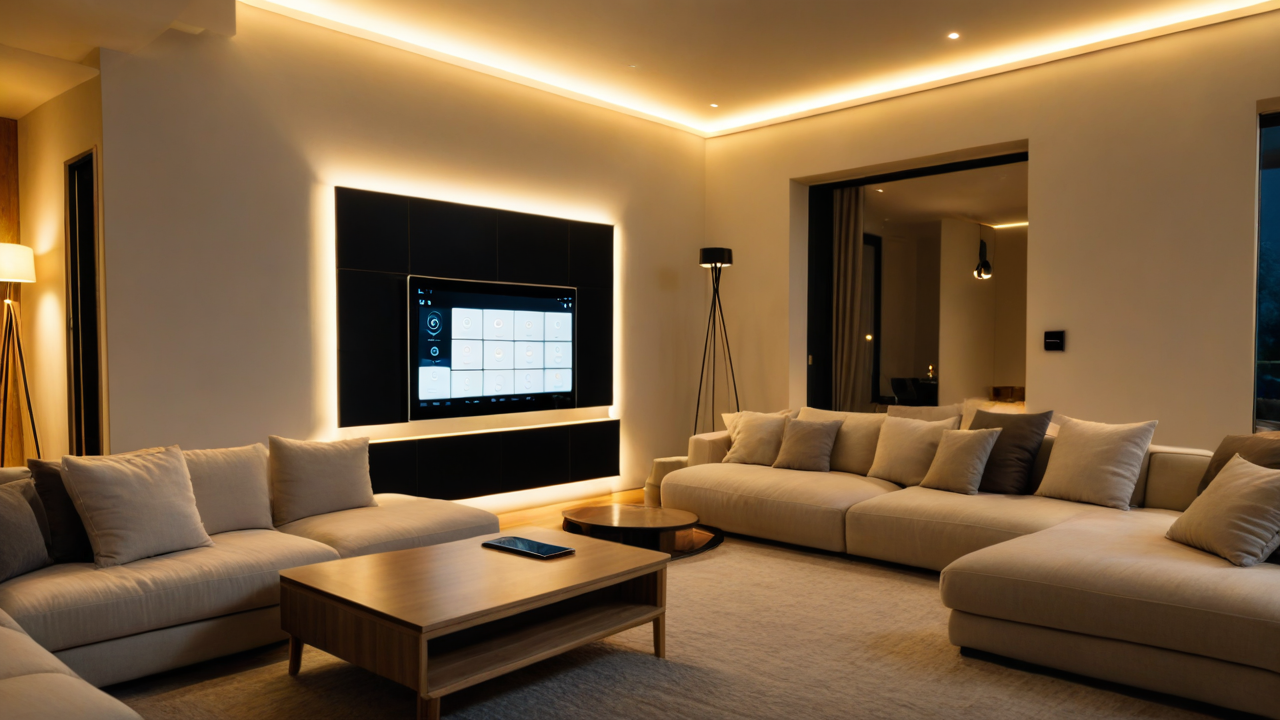
GE Z-Wave switches and dimmers throughout the house, Govee strips in select spots bridged into HA via MQTT, Zigbee LED strips under cabinets. The bigger change is how it all gets controlled. There’s a central house mode (Day, Sleep, Away) that drives most automations. Scenes handle the rest: Goodnight, Good Morning, Leaving, Coming Home, Girls Bedtime, Movie Time. Voice via Alexa in the kitchen, bedroom, and office. A wall-mounted Lenovo tablet in the living room with a custom HA dashboard.
A few things that weren’t on my radar in 2016: the Roborock S6 robot vacuum (the kids named him Dave, and yes he announces on the kitchen Echo when he needs to be emptied), RatGDO for local-first garage door control, a Pit Boss Pro 1600 with probe monitoring in HA (sounds unnecessary until you’re four hours into a brisket), Eye on Water for utility monitoring, and Wrist Assistant for Apple Watch access to HA scenes.
The newest addition isn’t a device. It’s an agent layer sitting on top of everything. I’m running a fleet of specialized AI agents on OpenClaw, each with its own role. One of them owns the homelab and Home Assistant. That changes how I manage the whole stack. More on that in a separate post.
If I could go back and tell 2016 me one thing: run local from the start. Build for the people who aren’t you. My wife and kids use this system every day, and if something only works through my phone, it’s not actually done. VLAN your IoT devices. Name your robot vacuum.
The individual deep-dives are coming.
Gear mentioned in this post:
- Ecobee Smart Thermostat Premium
- Sofabaton X1S Universal Remote
- Roborock S6 Robot Vacuum
- Schlage Z-Wave Deadbolt
Affiliate disclosure: Some links in this post are Amazon affiliate links. If you buy through them, I get a small commission at no cost to you. It helps keep the lights on here.


 The first thing you need is a modem. Some of these come with routers/wifi access points built in, but I prefer to use a stand alone modem so I can upgrade my gear piece by piece when I need to. My current modem is a

