Monthly Archives: June 2026

How I Run My Own AI Assistant at Home

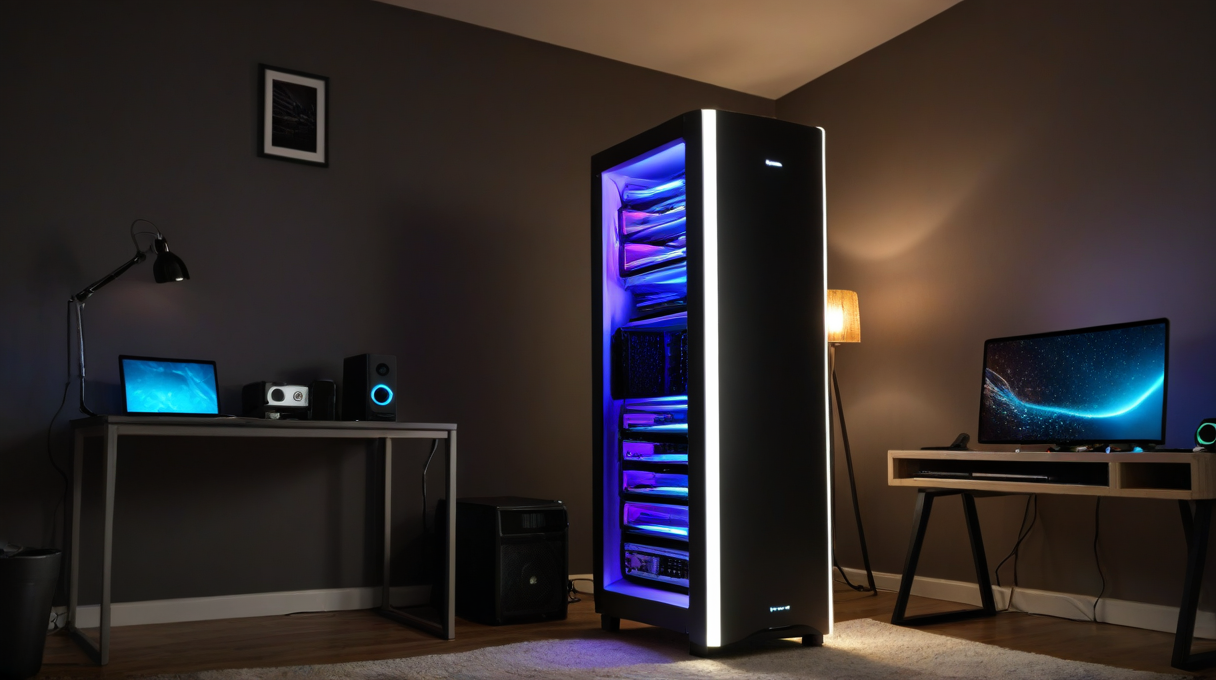
My Unraid server used to sit in the corner of my office doing what NAS boxes do: storing files, running a few containers, being ignored. Now it’s running a small network of AI agents that help me manage three WordPress sites, track family logistics, and keep tabs on my infrastructure. That shift didn’t happen all at once. It started with a question I kept asking myself: why am I paying for cloud AI subscriptions when I have the hardware sitting right here?

The thing I built is called OpenClaw. It’s a self-hosted AI gateway that runs on my local network and connects specialized agents to real tools: web APIs, SSH sessions, email, calendar, WordPress admin. Each agent has a name, a purpose, and a defined scope. Wren handles content and WordPress. Apex handles infrastructure and servers. Juniper is the coordinator who delegates to the others. Fran manages family scheduling. They don’t share a single chat interface; they’re separate processes that can message each other when they need to hand something off.

Before this, I was using ChatGPT for brainstorming, Claude.ai for writing help, and some combination of Google Calendar and mental overhead for everything else. None of those tools talked to each other. I’d get an answer from an AI and then manually do something with it. That gap, between AI output and actual action, was where most of the friction lived.

What surprised me most after getting OpenClaw running wasn’t the capability; it was the reliability of memory. These agents have persistent memory files. Wren knows the plugin list for all three of my WordPress sites, remembers what I’ve published and when, and keeps notes about quirks she’s discovered. That sounds small but it changes how you interact with it. I stopped re-explaining context every session.

The origin of this was frustration more than ambition. I had a homelab that could handle real compute workloads, but I was paying monthly for cloud tools that didn’t know anything about my environment. The local hardware could run models. The models could use tools. The tools could touch my actual systems. Once I saw that chain clearly, the rest followed.

I’m not going to pretend the setup is frictionless. Getting agents connected to real tools in a way that’s safe took real thought. You have to define what each agent is allowed to do, and you have to be honest with yourself about what you’re comfortable automating. I have hard rules in place: no agent publishes content without my approval, no agent runs destructive database commands without confirmation. The guardrails aren’t an afterthought; they’re load-bearing.

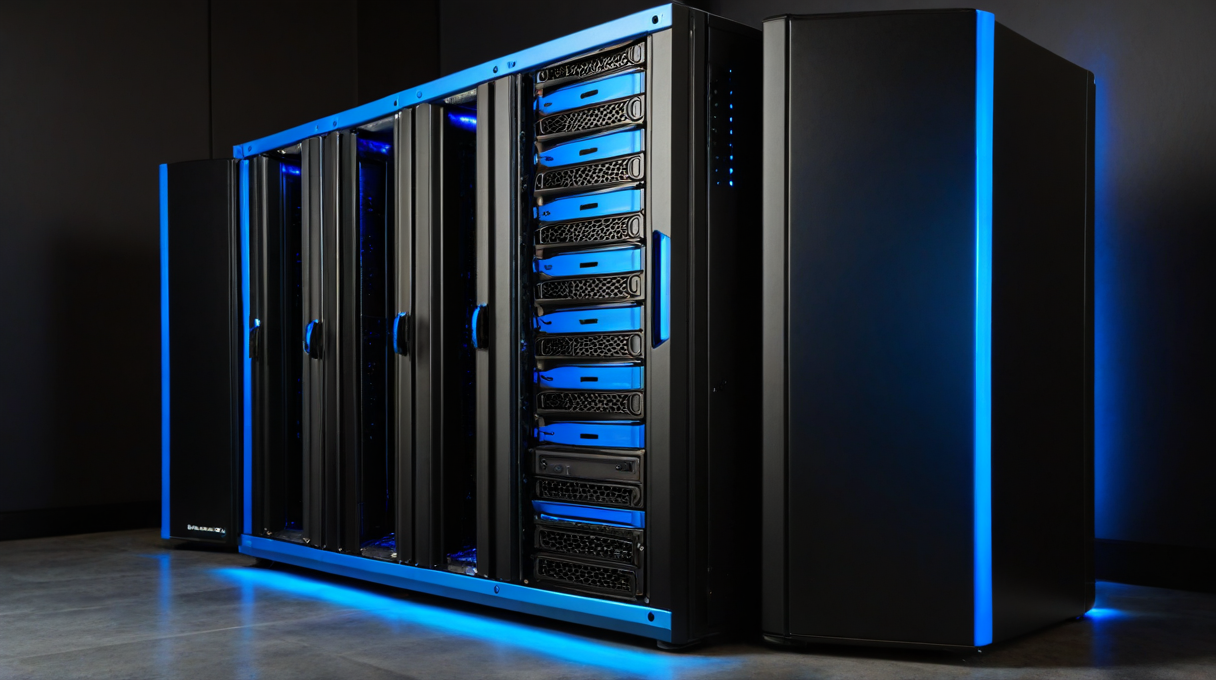
The hardware side is more accessible than people expect. I’m running this on Unraid with a GPU I already had for gaming. The local LLM work runs on that GPU. The API calls for tasks that need stronger models go to Anthropic or OpenAI, but those are the exception rather than the rule. Monthly cost has dropped significantly compared to what I was spending on subscriptions before. If you’re not running a full tower, something like the Beelink SER5 Pro mini PC can handle the agent stack fine and draws less power than you’d expect.

I want to write more about each piece of this over the coming weeks: the Unraid setup, the specific agent configurations, the decisions I’d make differently if I were starting from scratch. But the short version is: if you have a decent home server and you’ve been paying for cloud AI tools that don’t know anything about your own infrastructure, it’s worth at least understanding what’s possible on your own hardware.

If you’re running something similar or thinking about it, I’d genuinely like to hear where you landed. Drop a comment below.

Hardware linked in this post:


Affiliate disclosure: Some links in this post are Amazon affiliate links. If you buy through them, I get a small commission at no cost to you. It helps keep the lights on here.
2026-06-18T11:46:40-07:00June 21st, 2026|Categories: Blog|Tags: , , , , , , , , , |0 Comments

My Smart Home in 2026: Everything That Changed Since I Had a Wink Relay on the Wall

Back in 2016 I wrote about the Wink Relay, a wall-mounted touchscreen that ran a closed cloud platform and made me feel like I was living in the future. I had Z-Wave switches, a Schlage deadbolt, a Rachio sprinkler controller, and a Nest thermostat all talking to this little white rectangle on my kitchen wall.

It was cool. It was also completely dependent on Wink’s servers staying up, Wink’s business staying solvent, and Wink not deciding to start charging a subscription fee.

Two of those three things eventually went sideways. You can probably guess which two.

A lot has changed since then. Here’s the full picture: what I’m running now, what replaced what, and why. I’ll dig into each piece in separate posts, but this is the overview.

Everything runs on Home Assistant OS, hosted as a VM on my Unraid server. No cloud dependency for the core platform. Automations run if my internet goes down. The system doesn’t phone home to check if I’ve paid my subscription this month. That shift, from cloud-dependent hub to local-first, is the biggest change I’ve made in ten years of home automation. Everything else built on top of it.

Z-Wave is still the backbone for anything mains-powered and infrastructure-level: wall switches, fan controllers, dimmers, door locks, smoke detectors. Reliable, mesh-based, doesn’t touch Wi-Fi. Zigbee joined the stack for LED strips and sensors. Wi-Fi handles the rest: thermostat, robot vacuum, lighting strips, grill, sound machines, appliances. Everything IoT lives on its own VLAN, isolated from the rest of the network.

The Schlage Z-Wave locks from 2016 are still in the doors. What changed is how I manage them. Lock Code Manager handles code creation, rotation, and revocation from HA without touching the keypad. I added Alarmo to turn the existing door and motion sensors into a proper security panel. No separate alarm subscription.

Nest is gone, replaced by an Ecobee. The GE appliances (washer, dryer, office AC) feed into HA via SmartHQ. Rachio is still running the sprinklers, now integrated into HA automations. The Harmony hubs are gone. Logitech killed that line. They got replaced by Sofabaton X1S units in the living room and office.

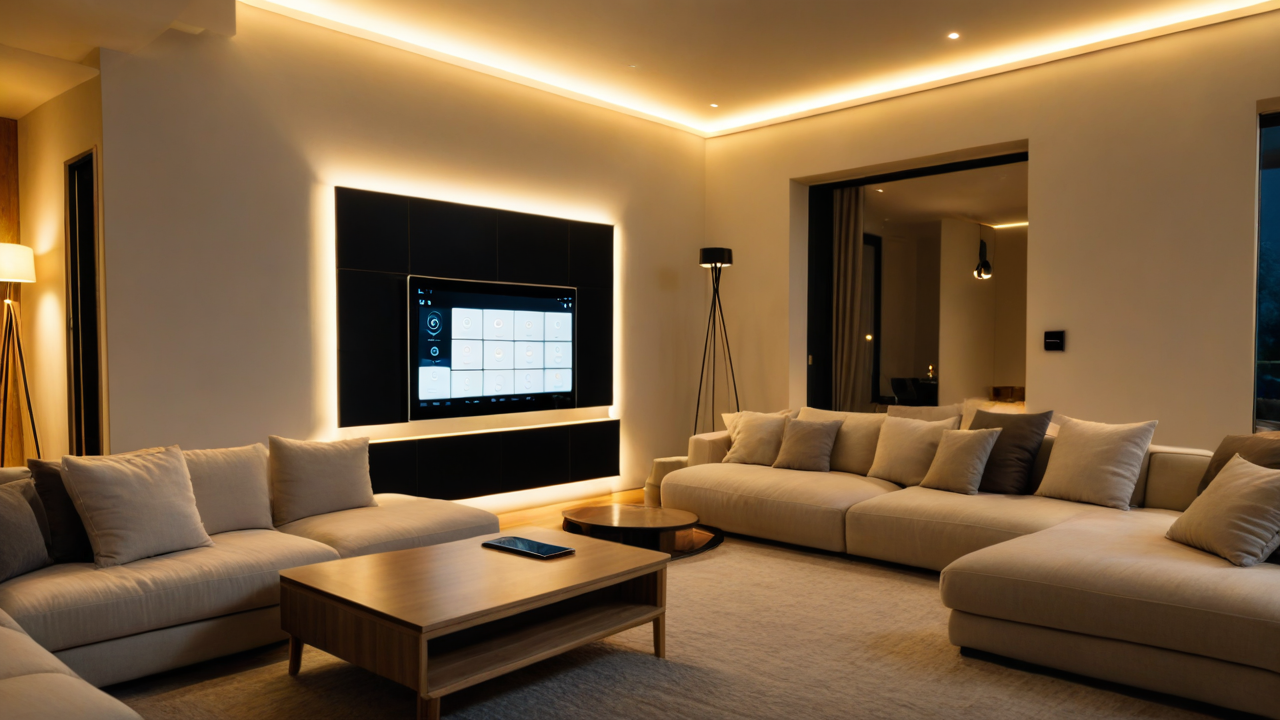
GE Z-Wave switches and dimmers throughout the house, Govee strips in select spots bridged into HA via MQTT, Zigbee LED strips under cabinets. The bigger change is how it all gets controlled. There’s a central house mode (Day, Sleep, Away) that drives most automations. Scenes handle the rest: Goodnight, Good Morning, Leaving, Coming Home, Girls Bedtime, Movie Time. Voice via Alexa in the kitchen, bedroom, and office. A wall-mounted Lenovo tablet in the living room with a custom HA dashboard.

A few things that weren’t on my radar in 2016: the Roborock S6 robot vacuum (the kids named him Dave, and yes he announces on the kitchen Echo when he needs to be emptied), RatGDO for local-first garage door control, a Pit Boss Pro 1600 with probe monitoring in HA (sounds unnecessary until you’re four hours into a brisket), Eye on Water for utility monitoring, and Wrist Assistant for Apple Watch access to HA scenes.

The newest addition isn’t a device. It’s an agent layer sitting on top of everything. I’m running a fleet of specialized AI agents on OpenClaw, each with its own role. One of them owns the homelab and Home Assistant. That changes how I manage the whole stack. More on that in a separate post.

If I could go back and tell 2016 me one thing: run local from the start. Build for the people who aren’t you. My wife and kids use this system every day, and if something only works through my phone, it’s not actually done. VLAN your IoT devices. Name your robot vacuum.

The individual deep-dives are coming.

Gear mentioned in this post:

Affiliate disclosure: Some links in this post are Amazon affiliate links. If you buy through them, I get a small commission at no cost to you. It helps keep the lights on here.
2026-06-17T20:05:59-07:00June 17th, 2026|Categories: Blog|Tags: , , , , , , |0 Comments